
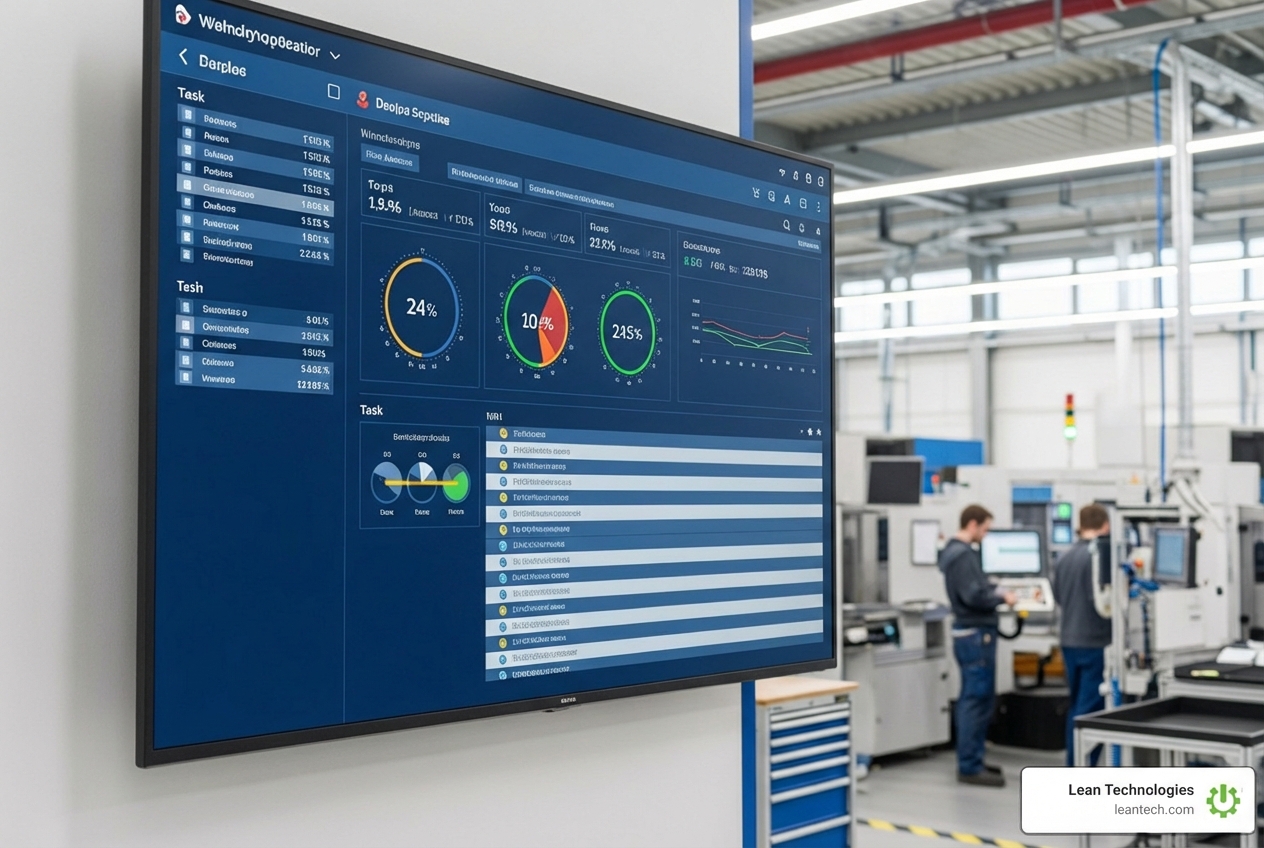
Interactive Insights: Exploring Digital Shopfloor Boards
Ditch the Whiteboard: Why Your Shop Floor is Stuck in the Past
A digitales shopfloor board is a real-time digital display system that replaces traditional whiteboards, paper logs, and spreadsheets on the manufacturing floor. It connects to your existing systems (ERP, MES, or manual inputs) to visualize live production data, track issues, assign tasks, and enable team collaboration—all in one central location.
Key characteristics:
Real-time data visualization of KPIs, production status, and quality metrics
Interactive task management with clear responsibilities and escalation workflows
Mobile and desktop access for operators, supervisors, and managers
Integration capabilities with existing manufacturing systems
Digital audit trails that retain all historical data for continuous improvement
Paper chaos. Outdated info. Manual data entry. Siloed teams. Zero transparency. Slow reactions. Meetings that go nowhere. Lost knowledge. Unclear responsibilities.
Sound familiar?
Many manufacturers know they need better visibility on the shop floor—but they're stuck managing critical operations with whiteboards that get erased, Excel sheets that lag behind reality, and printouts that are outdated before they hit the wall.
Here's the problem: by the time you write it down, it's already too late.
A missed PM because it wasn't logged in time. A quality issue that didn't get escalated. Productivity lost because the day shift never told the night shift what broke. One company found that simply moving from paper to digital shop floor management saved 12-18% in operational costs and reduced unplanned downtime by up to 30%.
The shop floor generates massive amounts of valuable data every shift—but if you're capturing it on paper or entering it hours (or days) later, you're managing with yesterday's information.
Digital shopfloor boards flip that script. They turn your production floor into a live command center where everyone—from operators to plant managers—sees the same real-time data, tracks issues as they happen, and closes the loop on improvement actions without waiting for the next meeting.
This isn't about replacing your ERP or MES. It's about extending what you already have with a flexible, operator-friendly layer that makes work visible, accountable, and actionable—right where it happens.
What is a Digitales Shopfloor Board and How Does It Work?
A digitales shopfloor board is more than a screen—it’s a real-time command center for your team. It replaces static whiteboards, spreadsheets, and paper printouts with live, interactive dashboards. Everyone sees the same data, right where the work happens.
A digital shop floor board is an interactive display that combines all relevant data from the shop floor in real-time. It provides a central, constantly updated source of truth for production metrics, machine status, inventory levels, and team tasks. This allows for immediate visualization, tracking, and communication of critical operational information, moving beyond the limitations of traditional, manual methods.
Here's a quick comparison of how a digital board stacks up against the old ways:
Feature Traditional Whiteboards Digital Shopfloor Boards Data Timeliness Outdated by the minute or hour Real-time updates, live data streams Accessibility Physical location only Accessible on any device (monitors, tablets, mobile) Collaboration Limited to physical presence Interactive comments, notifications, shared tasks Data History Erased, lost, or difficult to trace Automatically stored, searchable, and analyzable Integration None Connects with ERP, MES, IoT, and other systems
From Manual Mess to Digital Clarity
Remember the days of a team leader manually extracting figures from various IT systems, adding them to an Excel spreadsheet, updating charts, printing them, and then updating physical whiteboards? Or the constant struggle to piece together information from different sources, leading to an incomplete picture and wasted time?
That's the manual mess that a digitales shopfloor board cleans up.
With digital change, you get:
Centralized data: All your relevant information lives in one place, easily accessible by everyone who needs it.
Real-time sync: Data is retrieved and updated instantly, ensuring decisions are based on the freshest information, without delays from manual data maintenance.
Automated updates: Let the KPIs you need be updated automatically on the boards, freeing your team from tedious data entry. This reduces paper consumption, secures team knowledge, and minimizes errors through centralized evaluation and automatic synchronization of data.
No more chasing paper: Say goodbye to clipboards, printouts, and sticky notes. All information is digital, retained, and contributes to a learning database that helps avoid repeatable problems.
The Core Difference: Real-Time vs. Real-Late
The fundamental shift a digitales shopfloor board brings is moving from "real-late" to "real-time."
With traditional methods, you're constantly looking in the rearview mirror:
Static info: Information is often outdated before it even reaches your staff.
End-of-shift reporting: Critical issues are only reported hours after they occur, delaying problem-solving.
Delayed decisions: Without immediate insight, managers and teams can't react quickly to changes or bottlenecks.
Digital solutions change the game:
Dynamic data: Get hourly insights into Performance, Availability, Quality, and OEE. This real-time visibility means you see what's happening on the shop floor at a glance, without visiting physical whiteboards.
Live KPIs: Important production figures like OEE, scrap rates, or machine failures are displayed instantly. If there are discrepancies, an alert can be automatically triggered so the team can react immediately.
Immediate action: Empower your team to spot issues and delays in real-time, fostering seamless collaboration for optimized production output.
Proactive problem-solving: By tracking failures and analyzing root causes, teams can implement corrective actions faster, minimizing errors and achieving greater success. Decisions no longer have to wait for the next round.
The Payoff: Key Benefits of Going Digital on the Shop Floor
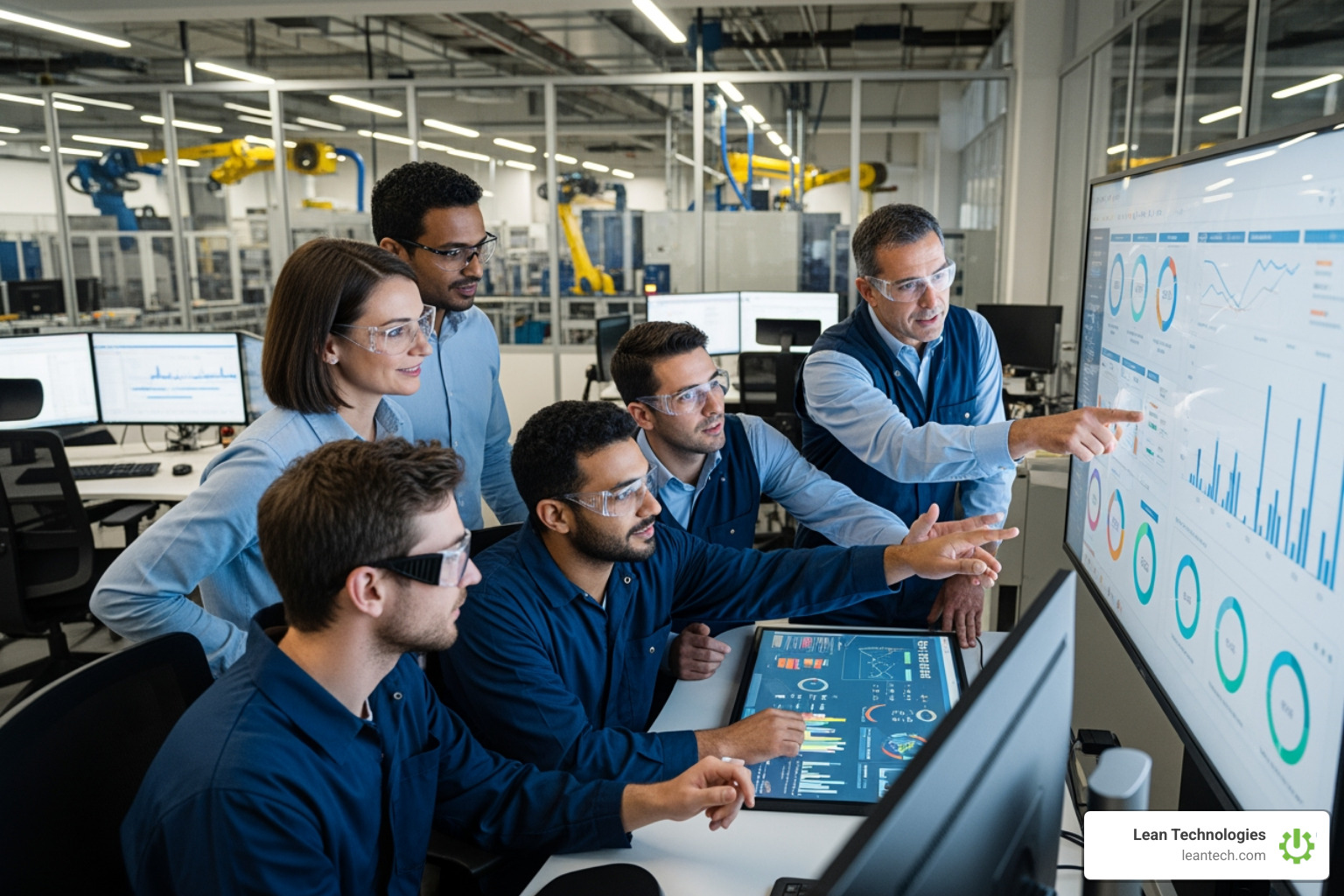
A digitales shopfloor board isn't just a fancy screen; it's a strategic tool that delivers tangible benefits across your entire operation. It offers a powerful tool for enhancing operational efficiency, reducing costs, and gaining a competitive edge.
Boost Efficiency and Productivity
The core promise of digital shop floor management is doing more with less, faster.
Less manual work: Eliminate the tedious task of manually updating spreadsheets, prints, and whiteboards. Automation frees up valuable time for your team to focus on production, not calculations.
Faster response times: With real-time alerts and transparent data, teams react faster to changes and avoid unnecessary waiting times. This means lower error rates, less waste, and quicker problem resolution.
Fewer errors: Centralized evaluation and automatic synchronization of data minimize manual input errors.
Less waste: Optimizing resource allocation and identifying inefficiencies quickly directly translates to reduced waste.
Better resource allocation: By providing real-time data and insights into production processes, these interactive displays enable businesses to make informed decisions and optimize resource allocation.
More machine uptime: An Andon board, for example, visualizes errors and machine status, ensuring greater transparency and helping minimize production downtime.
Want to see how real-time insights can transform your operations? Learn how Thrive supports maintenance teams.
Improve Communication and Collaboration
Miscommunication kills productivity. A digitales shopfloor board fosters a culture of open, transparent communication.
Cross-tier communication: Communicate, comment, and leave notes directly on the board, helping and supporting communication between different organizational tiers. This simplifies communication and adds transparency, ensuring issues don't just disappear into a void.
Task transparency: Structured team tasks and clear responsibilities mean everyone knows what needs to be done and who's doing it. This optimizes teamwork and strengthens motivation.
Clear responsibilities: Assign responsibilities with notifications via email, MS Teams, or Slack to ensure accountability.
Centralized issue tracking: Keep a full track record of issues, priorities, decisions, and actions all in one place. This builds a learning database to improve standards and avoid repeatable problems.
Team alignment: Create task force groups across tiers or departments to plan, coordinate, and implement tasks. With improved communication capabilities and transparency, it’s easy to align plans and activities.
Fewer misunderstandings: Instead of relying on paper or lengthy email reconciliations, teams can access well-founded real-time information, saving time and avoiding misunderstandings.
Strengthen Accountability and Motivation
When teams have clear goals and see their impact, motivation soars.
Visible goals: Transparent presentation of tasks and responsibilities boosts team morale and engagement.
Real-time progress tracking: Team members can keep an eye on their contributions and know how they are being processed, fostering a sense of ownership.
Employee engagement: When workers feel informed and heard, they are more engaged. Digital boards should be designed to meet the specific needs of shop floor workers, making them feel part of the solution.
Ownership of data: When operators can easily log issues and see their impact, they become more invested in the overall process.
Transparent problem-solving: With all information retained, a learning database is built to improve standards and avoid repeatable problems.
Motivated teams: Sustainable process optimization and motivated teams come from clear processes and goals.
Must-Have Features for a High-Impact Digital Shopfloor Board

To truly transform your shop floor, your digitales shopfloor board needs a robust set of features that go beyond simple display. These capabilities ensure the board is not just informative, but interactive and actionable.
Real-Time Data Entry and Visualization
The power of a digital board lies in its ability to present current, accurate data in an easily digestible format.
Connects to your existing systems (ERP, MES, spreadsheets): Seamless data integration is crucial. The best solutions can easily integrate into existing IT systems like ERP, MES, and SQL, bringing all relevant production data together for visualization. They can link, process, and visualize data from over 100 different interfaces including JSON, CSV, XML, Excel, SQL, SAP, OPC UA, and Siemens S7.
Live KPIs and OEE tracking: Display important production figures such as OEE, scrap rates, machine failures, cycle times, and more. This provides an instant overview of progress, bottlenecks, and quality indicators.
Customizable dashboards: Define dashboards for each production area, displaying individually relevant metrics. You can adjust the menu structure and content to fit your department’s needs.
Color-coded alerts: Highlight critical limit values in signal colors to allow managers and employees to respond immediately to any problems or deviations on the shop floor.
Andon board functionality: A modern Andon system can minimize production downtime and optimize processes by visualizing errors, machine status, and production progress.
Interactive and Collaborative Tools
A digitales shopfloor board should be a hub for interaction, not just observation.
Task management: Capture, edit, and track measures in a structured and team-oriented way. This includes creating tasks, changing processing levels, or assigning responsibilities—all via a simple interface.
Digital shift books: Replace analog notes with a structured, central, and digital solution for smooth and efficient shift operation. This means fewer errors, faster processes, and optimized collaboration.
Problem-solving workflows: The board provides the information and tools needed to quickly discuss performance, report issues, and follow up on status and progress. Issues, improvements, and tasks can be escalated to other tiers, simplifying communication and adding transparency.
User-friendly interface: The board's design should be intuitive and easy to understand, even for workers with limited technical expertise. An intuitive UX/UI makes it easy for the team to adapt the Production Board from day one.
Touch screen and mobile access: The digital meeting board should be accessible both on stationary monitors and via mobile devices, increasing flexibility and collaboration. Use smart devices on the shop floor to track work order progress, access SOPs, and log failure reasons and comments.
Commenting and notifications: Communicate, comment, and leave notes to support communication between tiers. Assign responsibilities with notifications via email, MS Teams, or Slack.
Key Features of a Modern Digitales Shopfloor Board
To summarize, look for these critical capabilities:
Real-time KPI Dashboards: Visualize crucial metrics like OEE, scrap rates, and machine status instantly.
Interactive Task Management: Assign, track, and escalate tasks digitally.
Automated Data Integration: Connect seamlessly with ERP, MES, IoT, and other data sources.
Mobile & Tablet Accessibility: Access information and interact from anywhere on the floor.
Historical Data Analysis: Store all data for long-term evaluations and continuous improvement.
Customizable Alerts & Notifications: Get immediate alerts for deviations and assign responsibilities proactively.
From Plan to Action: Implementation and Continuous Improvement
Implementing a digitales shopfloor board is an investment in your future. Like any significant change, it comes with challenges, but with a strategic approach, the rewards are immense.
Overcoming Challenges in Implementing a Digitales Shopfloor Board
Integrating digital tools into an operational environment requires more than just plug-and-play. Several challenges can hinder successful implementation:
Change management: Shop floor workers may be resistant to new technology. Effective change management strategies, including comprehensive training and involving employees in shaping the solution, are crucial to foster ownership and user adoption.
User adoption: Ensure the board’s design is intuitive and easy to understand. Low adoption is a primary fear for CIOs, so a clear plan for user buy-in is critical.
Data accuracy: Inaccurate or incomplete data can render any digital board useless. Invest in data quality initiatives and ensure robust data collection systems are in place.
Hardware setup: Physical installation of monitors and ensuring connectivity can present logistical problems.
System integration: Integrating with existing systems (ERP, MES, legacy machines) can be complex and time-consuming. Look for solutions with open APIs and flexible integration capabilities that minimize the burden on internal IT.
Comprehensive training: Provide realistic training and ongoing onboarding. Workers need to be properly trained on how to use and interpret the information on the board.
The best approach? Start with a pilot project at one site for one use case with measurable KPIs. Prove the value, gather feedback, and then scale up.
Fueling Continuous Improvement and Measuring ROI
A digitales shopfloor board is not just about fixing today's problems; it's about building a foundation for tomorrow's improvements.
Data-driven decisions: Access to up-to-date information is essential for effective decision-making. With real-time data, you can make informed choices quickly.
Root cause analysis: By recording failure reasons on a pacing board, teams can track failures, analyze root causes, and implement corrective actions. This is like having a black box for your production process.
Tracking improvements: All changes are automatically logged, creating complete documentation. This builds a learning database to improve your standards and avoid repeatable problems.
Internal link: Guide to digital lean manufacturing with Thrive
Measuring KPIs: To evaluate the effectiveness of a digital board, it’s essential to track key performance indicators (KPIs) such as production efficiency, inventory turnover, machine uptime (often measured as part of Overall Equipment Effectiveness or OEE), quality defects, and worker satisfaction.
Calculating ROI: Quantify inefficiencies and translate frontline pain into enterprise impact. By monitoring these metrics, manufacturers can assess the impact on shop floor operations and identify areas for improvement. Studies show organizations can save between 12% and 18% in costs by implementing preventive maintenance strategies, with some companies reporting as much as a 30% decrease in unplanned downtime.
Boosting production efficiency: Optimized production, improved efficiency, and increased profitability are all direct results of adding a flexible, real-time digital layer to your existing operations.
Reducing quality defects: An instant overview of progress, bottlenecks, and quality indicators leads to a lower error rate, less waste, and faster response times.
For more on quality control, See Thrive’s quality management features.
Frequently Asked Questions about Digital Shopfloor Boards
How long does it take to implement a digitales shopfloor board?
Most teams can launch a pilot in days or weeks using modern, low-code platforms. The goal is to start small with a single use case, prove the value quickly, and then scale. This approach avoids the risk and delay of a year-long, "big bang" rollout.
Can a digitales shopfloor board connect to our old machines?
Yes. A flexible platform like Thrive can pull data from your existing systems or simply allow teams to log information directly on a tablet or terminal. There's no need to replace your legacy equipment. The right solution can integrate your machines into the system by accessing existing interfaces or by enabling manual data entry, making older assets fit for Industry 4.0.
Do we need IT to manage a digitales shopfloor board?
IT is key for the initial setup and integration, but the best tools are built for operations teams to own day-to-day. Look for user-friendly, low-code solutions that empower your Continuous Improvement and Operations leaders to build and adjust dashboards and reports without needing to write code. This gives your teams the autonomy to adapt the system as their processes evolve.
What to Do Next
Stop managing your shop floor with spreadsheets and outdated whiteboards. Moving to a digitales shopfloor board is the fastest way to get real-time visibility, drive accountability, and empower your team to solve problems faster. It’s the foundation for a lean, agile operation.
Thrive is an all-in-one software for manufacturers, built by shop floor experts to streamline operations, boost productivity, and deliver real-time visibility.
Internal link: Guide to digital lean manufacturing with Thrive





