
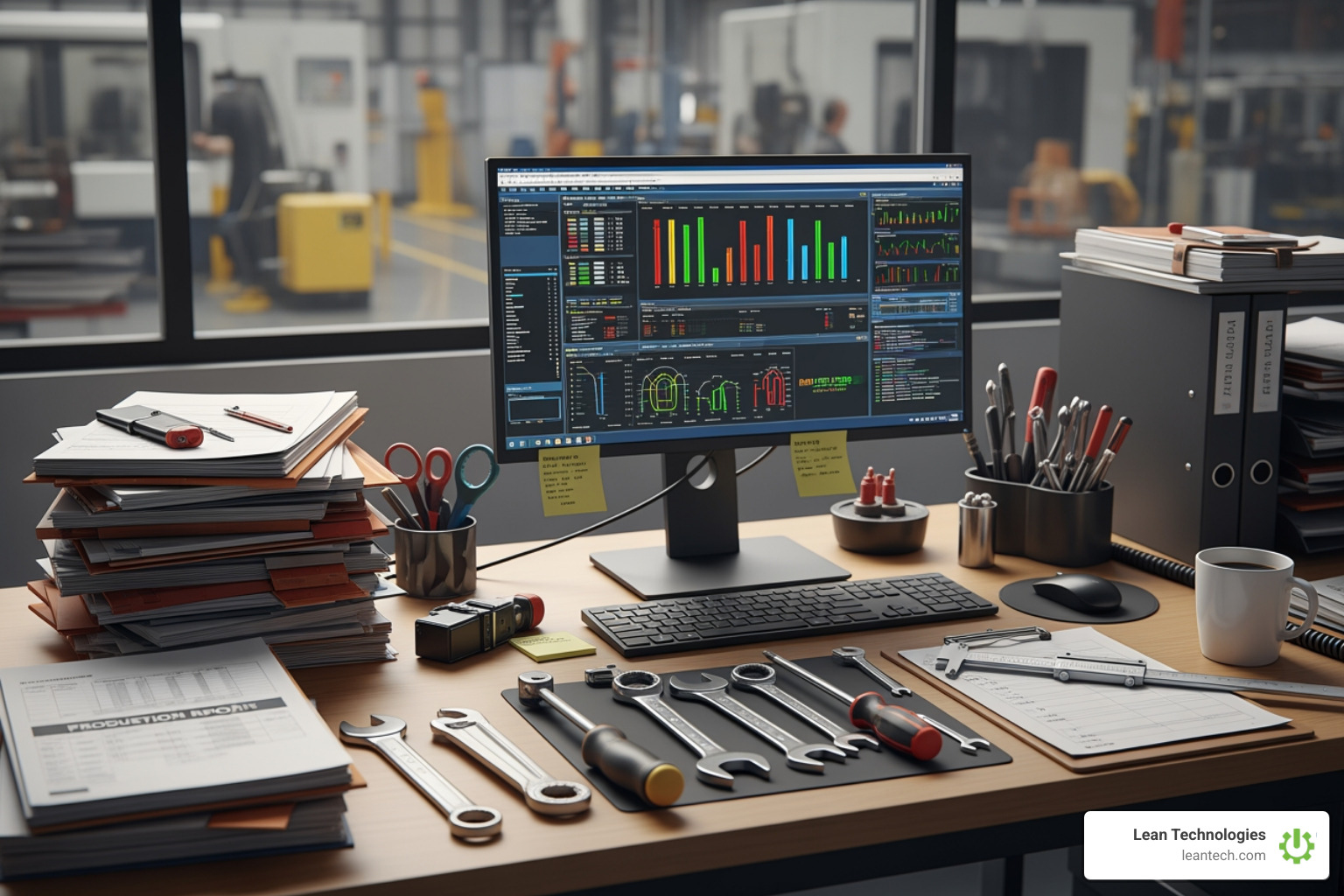
Manual vs Automated: Which Workflow Wins the Efficiency Race?
Why the Manual Process vs Automated Process Debate Matters on Your Shop Floor
Manual process vs automated process—it's not an academic debate. It's the difference between knowing about a line stoppage now versus three hours later when you're staring at a shift report. It's the gap between reacting to a quality issue in real time and discovering 200 bad parts after they're already packed.
Here's what you need to know:
Manual Process Automated Process Operators log data on paper or clipboards Digital entry at the source (tablet, mobile, workstation) Shift-end data entry creates lag Real-time visibility the moment it's logged Prone to transcription errors and missing entries Structured workflows reduce mistakes Hard to track accountability Built-in audit trails show who did what, when Communication happens through handoffs and emails Alerts and notifications trigger automatically
Nearly 60% of all occupations have at least 30% of activities that could be automated—but in manufacturing, the stakes are higher. You're not just shuffling invoices. You're trying to keep machines running, quality consistent, and teams aligned across shifts.
The reality? Most plants are stuck in the middle. Paper logs that don't get entered until the end of the shift. Spreadsheets with last week's numbers. Operators who can't see the bigger picture because the data lives in someone else's inbox.
When finance teams spend 520 hours per year on manual tasks that could be automated, imagine what your operators and supervisors are losing. Not just time—visibility, speed, and the ability to fix problems before they cascade.
This isn't about ripping out everything manual overnight. It's about understanding where human judgment matters and where you're bleeding time, money, and accountability because you're still running workflows built for 1995.
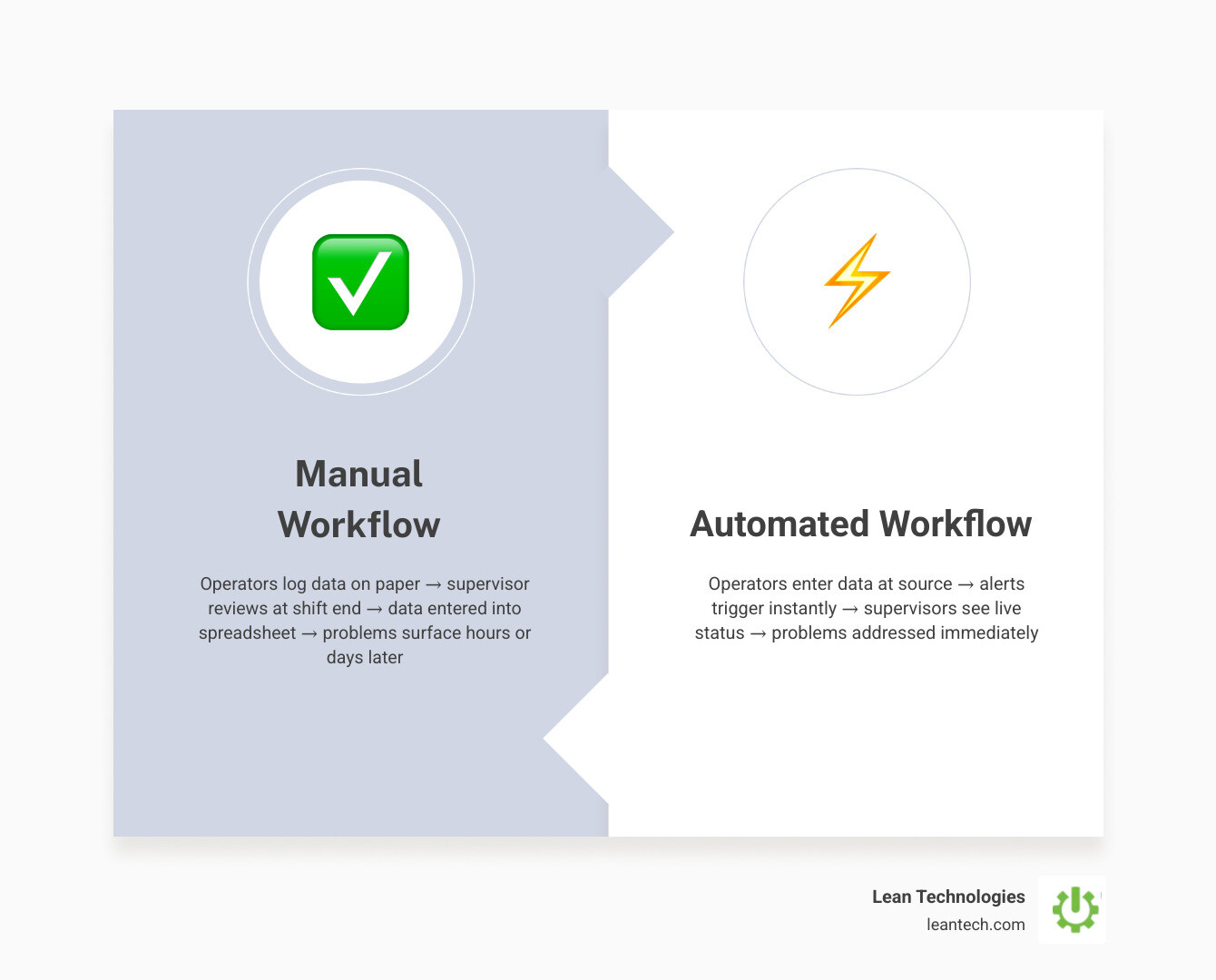
Manual workflows create data lag: operators log on paper → supervisor reviews at shift end → data entered into spreadsheet → problems surface hours or days later. Automated workflows close the loop in real time: operators enter at the source → alerts trigger instantly → supervisors see live status → problems get addressed immediately.
Defining the Shop Floor Reality: Manual Process vs Automated Process
On a typical shop floor, a manual process relies heavily on human intervention. It’s the operator walking to a clipboard to write down a scrap count or a supervisor physically handing a work order to a technician. These processes are sequential and depend entirely on the person in the loop to push them to the next step. If that person gets busy, the process stops.
An automated process, by contrast, uses software triggers and rule-based logic to move work forward. Instead of waiting for a physical handoff, the system automatically assigns tasks or sends notifications based on digital workflows. This provides 24/7 reliability and consistent quality of process execution. On the shop floor, this doesn't necessarily mean robots; it means digital systems that manage resource allocation and ensure that when a downtime event is logged, the right maintenance tech is alerted instantly.
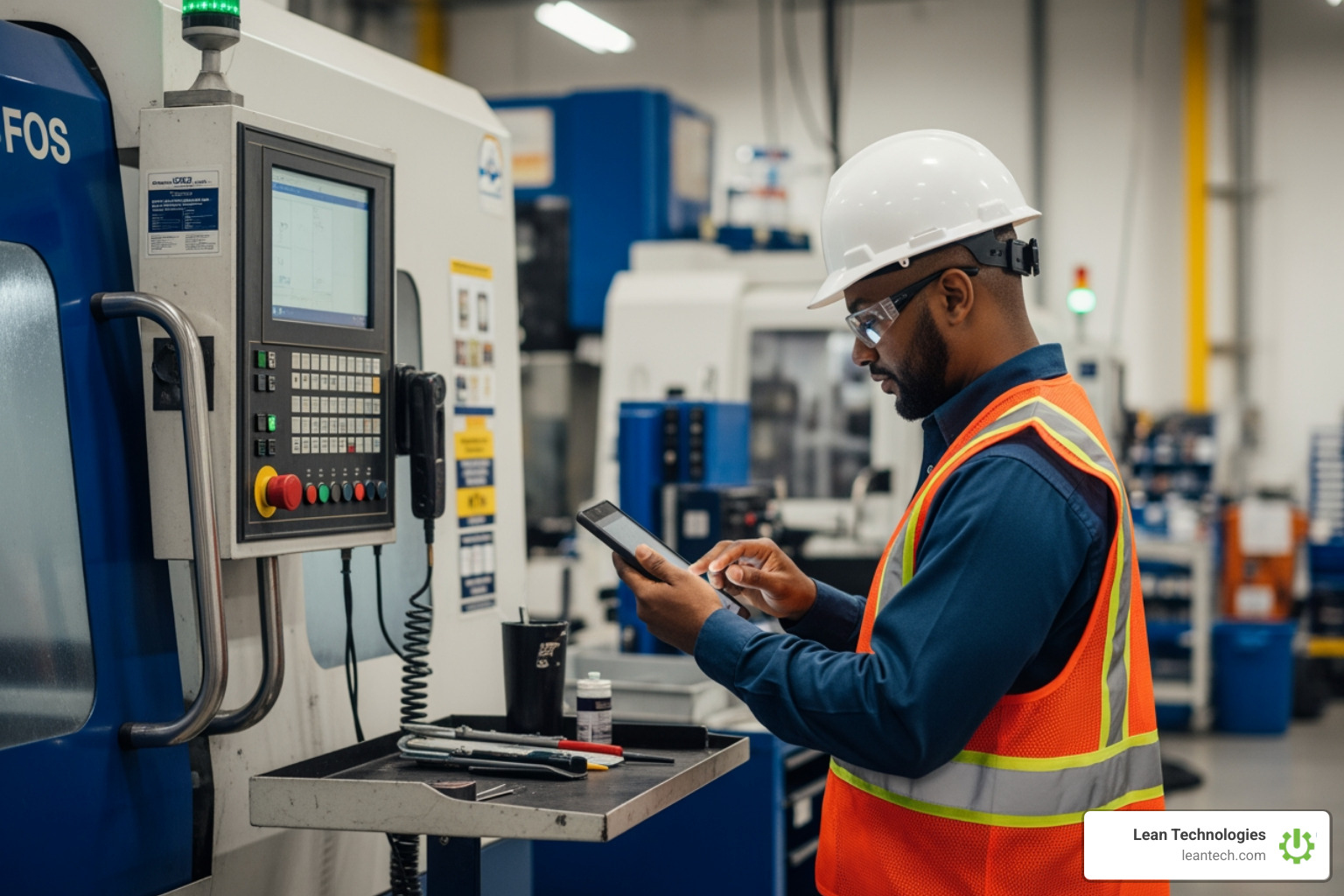
Speed and Accuracy in a Manual Process vs Automated Process
The most glaring difference is the "human factor" in data. Research shows that 90% of manual spreadsheets contain errors. Whether it’s a typo, a missed decimal point, or a coffee-stained log sheet, manual data entry is a liability.
Automated processes eliminate this by using real-time validation. If an operator tries to enter a temperature that is outside of the allowable range, the system can flag it immediately. This cuts down processing time and improves cycle efficiency because you aren't spending the first hour of every morning "cleaning up" yesterday's data.
Accountability and Visibility: Manual Process vs Automated Process
In a manual system, visibility is a myth. Information is stuck in communication silos—on a desk, in a pocket, or in a brain. If a manager wants to know the status of a job, they have to physically walk the floor or send five emails.
Transitioning to digital lean manufacturing changes the game. Automated workflows create built-in audit trails. You can see exactly when a check was performed and by whom. This makes bottleneck identification a data-driven exercise rather than a guessing game. Performance metrics become "live," allowing supervisors to see the pulse of the plant in real time.
The High Cost of "Doing it the Old Way"
Sticking to manual workflows isn't just "slower"—it's expensive. Companies lose 20% to 30% in revenue every year due to inefficiencies in manual processes. Think about a production line that stops because a maintenance alert was buried in a pile of paper. That downtime can cost manufacturers between $10,000 and $250,000 per hour.
Consider the direct comparison of labor and clerical costs:
Task Manual Cost Automated Cost Savings Invoice Processing $9.00 per invoice $3.00 - $6.00 50% - 75% Labor (Follow-ups) 100% baseline 50% of manual labor 50% Data Operations 8-20 hours/week Near Zero ~100%
Beyond the obvious labor expenses, there is the risk of the "clerical gaffe." A famous clerical error that sent nearly $900 million to the wrong people serves as a warning of what happens when massive amounts of data are handled without automated guardrails. In manufacturing, this looks like shipping the wrong revision of a part or missing a critical safety inspection. Automating your maintenance workflows ensures these details don't fall through the cracks.
When to Keep it Manual and When to Automate
Automation is powerful, but it isn't a silver bullet for everything. There are times when human judgment and empathy are irreplaceable.
Keep it Manual (or Hybrid) When:
Complex Problem-Solving: If a machine is making a weird noise that doesn't fit a standard error code, you need an experienced tech’s intuition.
Human Judgment: Strategic decisions about product lines or team culture require a level of nuance software can't provide.
Brainstorming: Creative workflows like storyboarding a new process or lean "Kaizen" events often work best with a physical whiteboard and a team in a room.
Automate Immediately When:
Repetitive Tasks: Data entry, report generation, and status updates.
High-Volume Production: Tasks that happen hundreds of times a shift.
Compliance & Safety: Anything that requires an airtight audit trail for quality management.
Predictable Routing: If "A" happens, then "B" must always follow.
7 Steps to Transitioning Your Workflows
Moving from a manual process vs automated process mindset requires a structured approach. You can't just flip a switch; you have to build the foundation first.
Identify and Prioritize: Look for the "pain." Where are the most errors happening? Which manual tasks take the most time?
Map the Current Workflow: Document every step, every handoff, and every piece of paper. You can't automate what you don't understand.
Define Goals: What does success look like? Is it a 30% reduction in downtime? A 50% faster onboarding for new hires?
Select the Right Tools: Choose a platform that is built for the shop floor. It should be mobile-friendly and intuitive enough that operators actually want to use it.
Pilot Program: Don't roll it out to the whole plant at once. Pick one line or one department and prove the ROI there first.
Employee Training: Resistance to change is the #1 killer of automation. Train your team not just on how to use the software, but why it makes their lives easier.
Monitor and Iterate: Use the data from your new continuous improvement tool to find the next bottleneck and repeat the process.
Frequently Asked Questions about Manual and Automated Processes
How do you identify which manual processes to automate first?
Start with tasks that have high frequency and high error rates. If your supervisors are spending 10 hours a week chasing down missing signatures on safety forms, that is a prime candidate. Look for standardized outputs—if the process follows the same logic every time, it should be automated.
What are the biggest risks of switching to an automated process?
The biggest risk isn't the technology; it's the "people" side. Resistance to change can lead to bad data entry or workarounds. There is also the risk of over-automation—trying to automate a process that is fundamentally broken. Always fix the process before you digitize it.
How do you measure the ROI of automation initiatives?
Look at labor hours saved, but also look at "soft" costs. A successful preventive maintenance program can save as much as 18 percent in maintenance costs and significantly increase asset uptime. Measure the reduction in scrap rates and the speed of problem resolution compared to your manual baseline.
What to do next
The manual process vs automated process debate usually ends when the first real-time dashboard goes live. When you move from "I think we're having a good day" to "I know we're hitting our targets," the value becomes undeniable.
At Lean Technologies, we built Thrive to be the bridge between the old way and the new. It's not about replacing your ERP; it's about giving your operators a digital toolbox that eliminates paper workarounds and provides structured accountability.
Stop managing your shop floor through spreadsheets and wishful thinking. Let your team run lean with real-time visibility that actually works on the shop floor.





